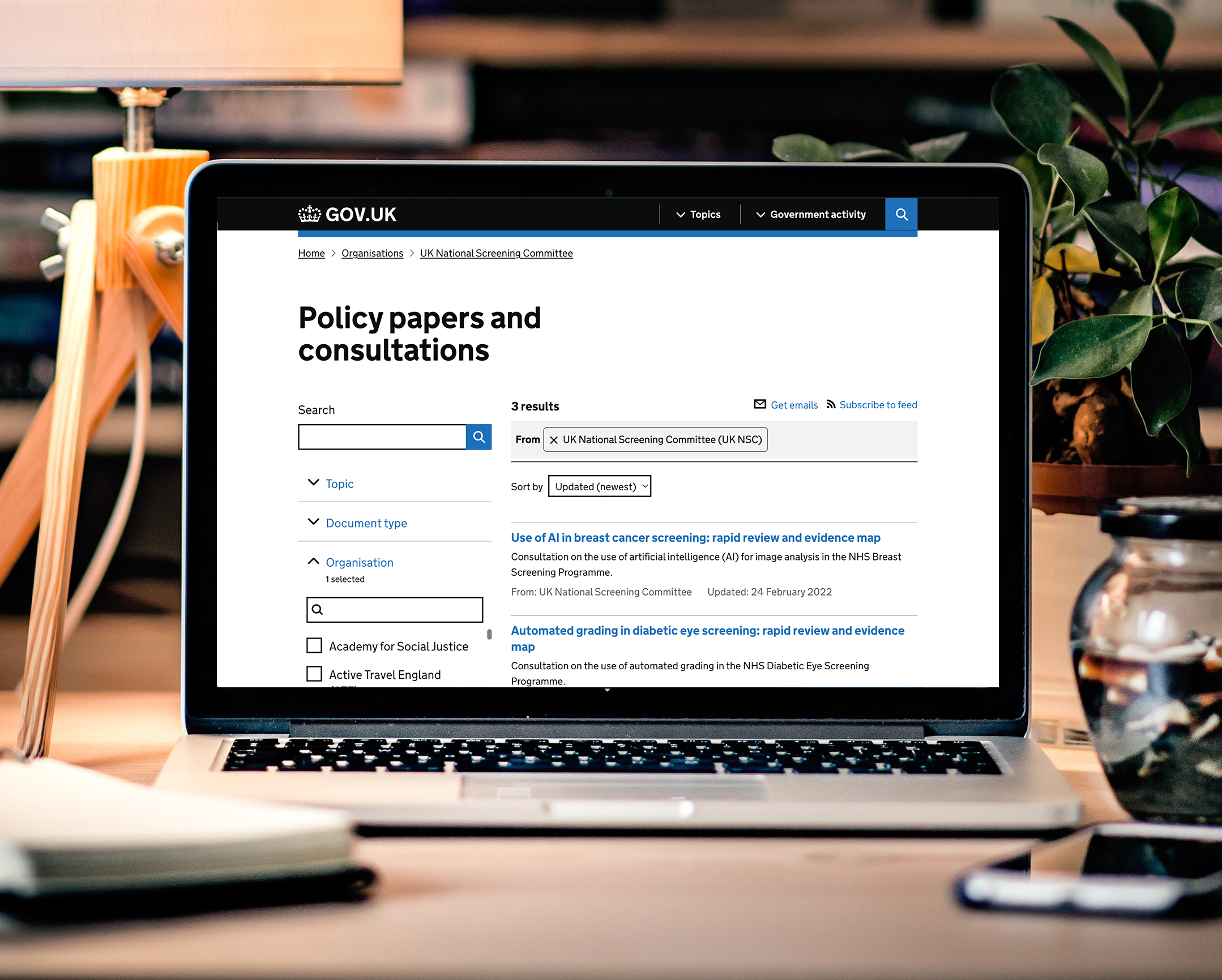




During my time coordinating the development and delivery of the UK NSC’s new digital service on GOV.UK, I led our accessibility workstreams and drove forward our transition towards being a more accessible and inclusive digital service.
Part of this included overhauling the UK NSC’s document publishing workflow for commissioned policy and consultation papers, meetings and minutes posted on the website, and the way in which the commissioning team work with external document authors and suppliers.
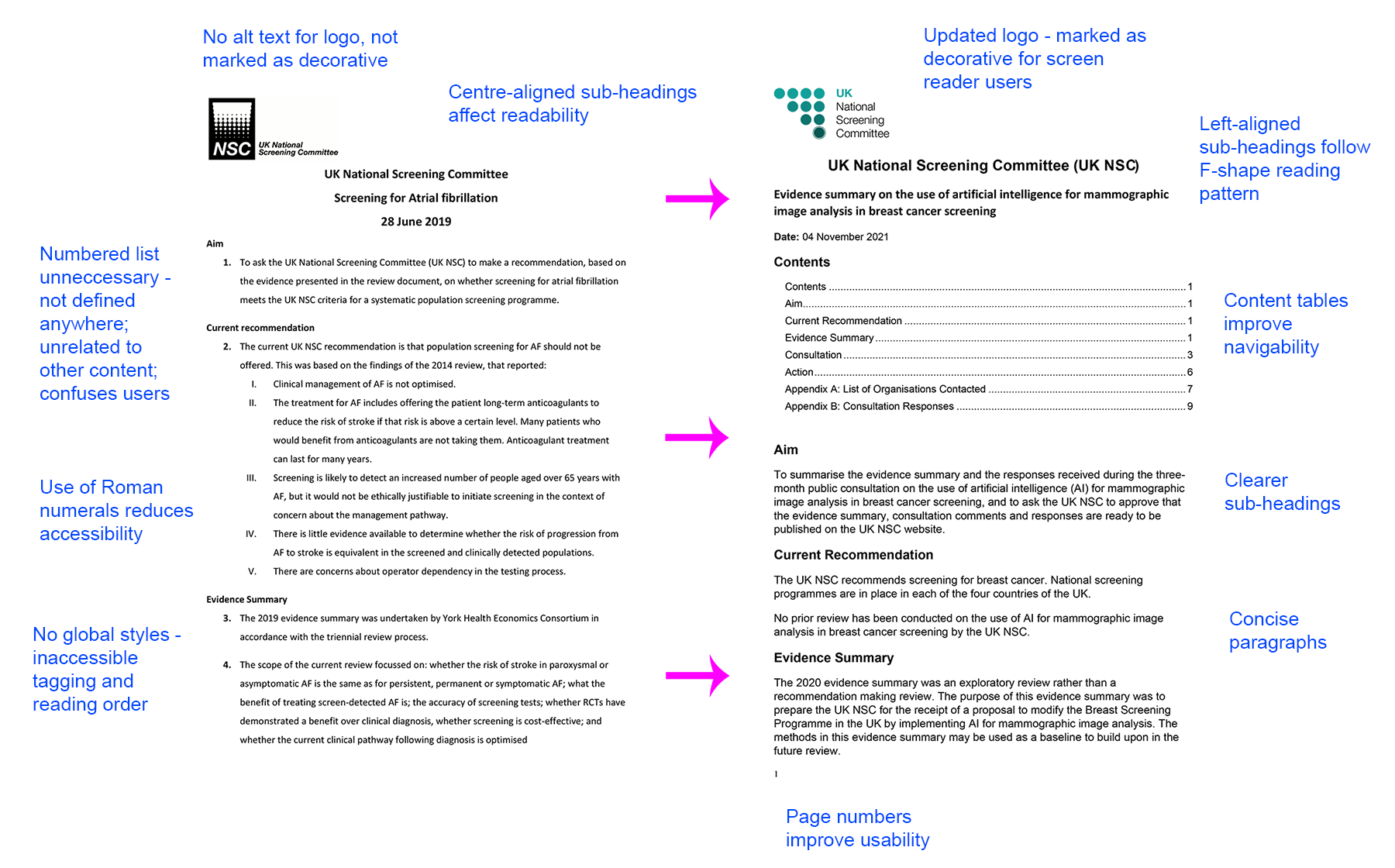
For this, I undertook a range of tasks to update the team’s suite of document templates and content guidelines. I collaborated with evidence review managers, policy experts and organisational stakeholders to ensure the content conveyed key information and met user needs and organisational requirements. My approach was to combine the latest web accessibility guidelines with core content design principles to reformat existing documents into clearer, more usable versions.
The result of this work was an increase in content and formatting consistency across the team’s published documents, a measured increase in accessibility compliance, and ultimately clearer, more user-friendly and inclusive documents across the organisation’s digital output. Below are some examples.
I developed and produced these content guidelines to be followed by external document authors and commissioned suppliers. Since many of the UK NSC’s policy papers and published documents come from a range of external suppliers, we needed a consistent and comprehensive set of accessibility-led content guidelines to share with all suppliers. This meant we could ensure standardised and consistent content across all channels, in line the objectives of the new digital service.
View the supplier accessibility guidelines I developed for document authors.
The UK NSC publishes a ‘coversheet’ along with all commissioned evidence reviews and research papers. This top-level document is critical in providing a comprehensive overview of the research, used by a wide array of internal and external stakeholders to understand the outcomes and influences of the UK NSC’s work. My task was to reformat the coversheet template for accessibility, however I deployed a range of content design approaches to update the way in which the document conveyed key information. This included removing an unnecessary numbered list format in favour of sub-headings and short paragraphs, removing tables containing long page-breaking paragraphs in favour of a concise bulleted list, and providing a table of contents for document users to easily navigate to the specific content they need.
View a UK NSC research coversheet that uses the template I developed.
The agenda and minutes from meetings held triannually by the UK NSC, which were published and circulated as PDFs at the time, also needed updating and reformatting for accessibility. I employed the same approach as the coversheets, resulting in clearer and more user-friendly documents. I later collaborated with content designers on the team to transition these publications into HTML content rather than PDFs, in line with the government’s initiative to move away from PDF-centric publishing practices. I used the GOV.UK CMS Whitehall Publisher to help produce these new pages.
View the UK NSC meetings and minutes page on GOV.UK.
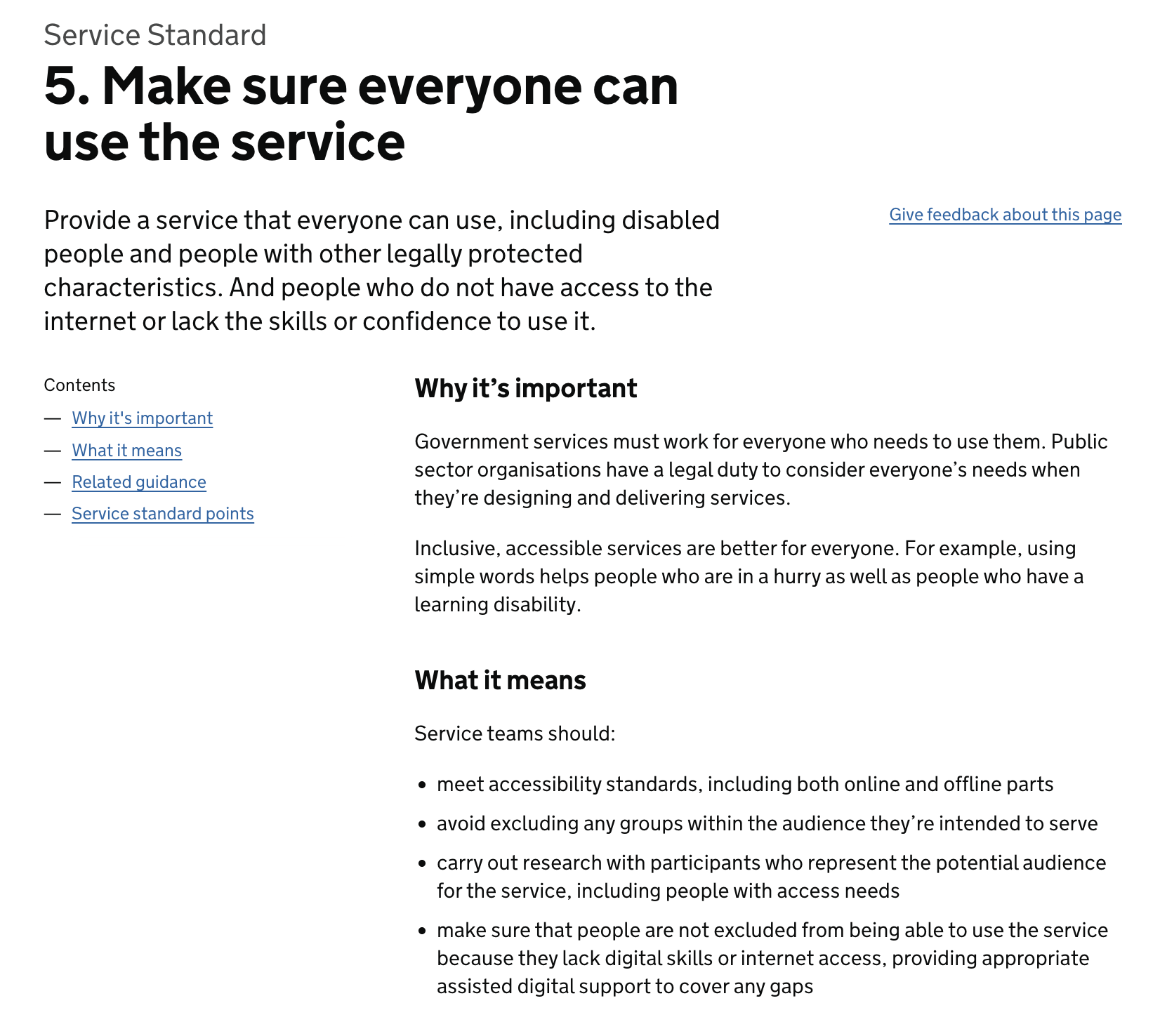
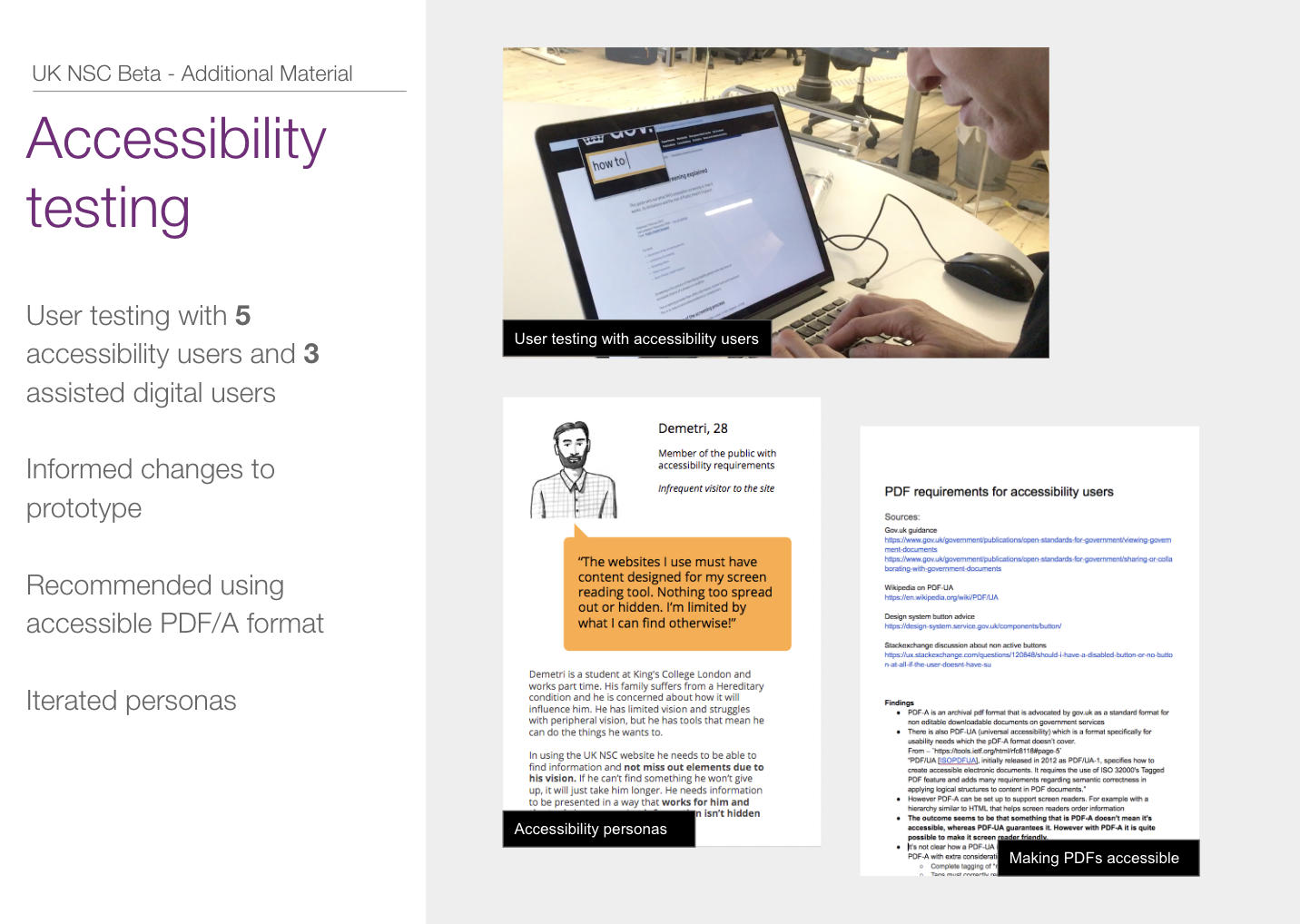
With experience coordinating user research for the development of a GOV.UK digital service, I’ve managed accessibility testing and accessibility considerations for content design and user research. Going by the GDS Service Standard and GOV.UK guidelines on accessibility testing, the UK NSC digital service was required to conduct primary accessibility and assistive technology usability testing to pass its service assessments and launch in public beta. I worked on researching and planning our approach, which included researching assistive technologies and accessibility statistics, and using community-published data on GOV.UK users.
Allocating an appropriate part of our user research budget, I then planned and commissioned a number of usability testing sessions with accessibility and low digital literacy users. This involved working with a specialist participant recruitment agency to explain our needs and desired outcomes, and collaborating with our in-house user researchers to develop appropriate discussion guides and considered approaches to this kind of testing.
Some key considerations when undertaking accessibility and low digital literacy user research include:
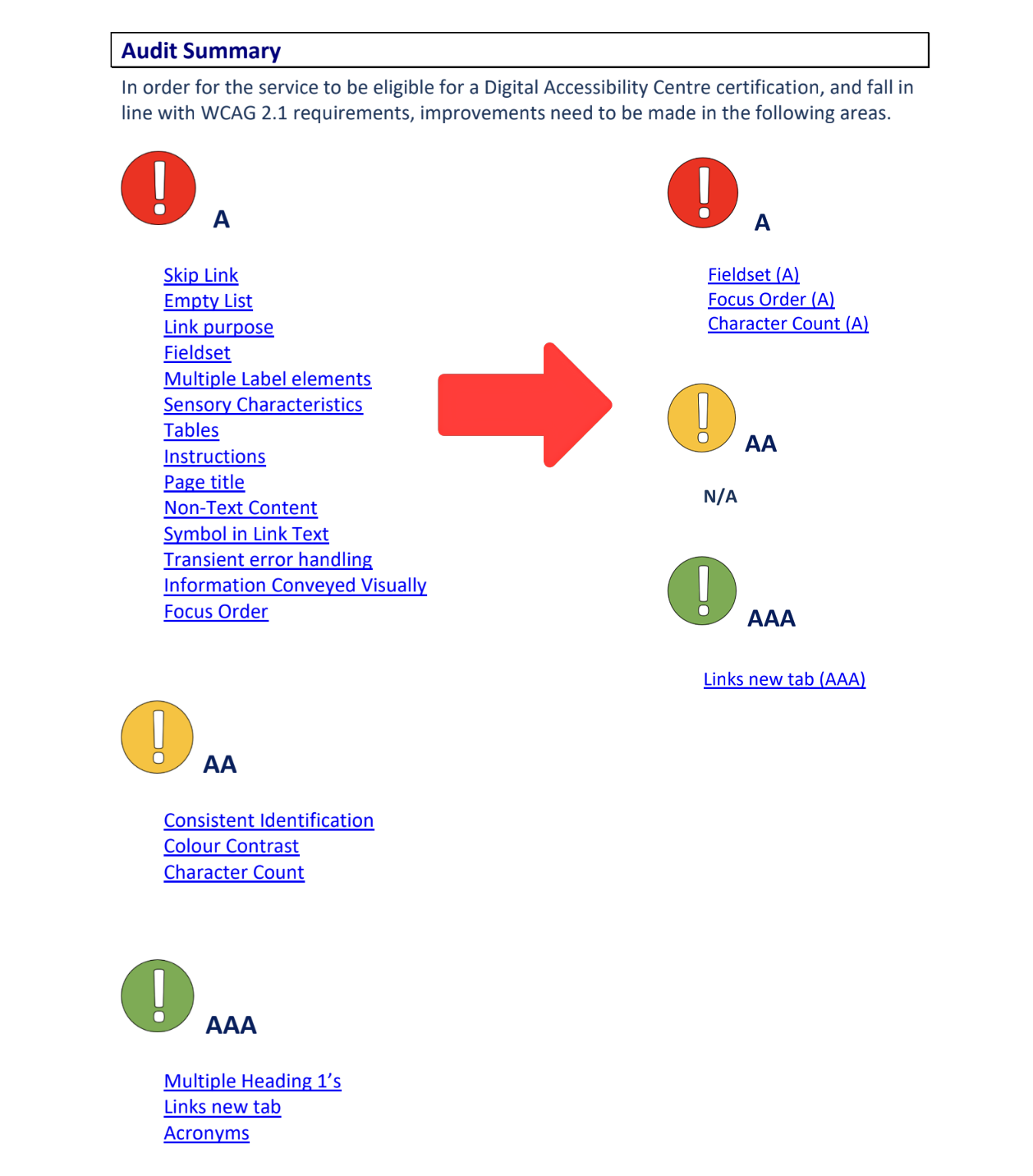
While working in the same role, I also managed our relationship with external accessibility consultants we commissioned to provide in-depth accessibility audits of various areas of the digital service. Such audits are crucial to ensure websites meet the needs of as many users as possible in the best way they can. It’s also important to ensure audits are based on comprehensive testing with real world assistive technology users, rather than just automated tools alone (this insightful post, for example, documents nicely how inaccessible websites can still pass automated accessibility tests).
Once the site has been audited, I coordinated with the development team to share the results and schedule a debrief meeting with the auditors. This allowed them to go through the results in detail and answer the questions our development team had about the issues that were raised. Once the developers have gone through the document and addressed the issues raised by the audit, we then had the site re-tested to ensure the issues had been addressed properly, and highlight any outstanding problem areas.
The knowledge and experience gained from the above tasks came in handy when it came time to write and publish our accessibility statement. As a GOV.UK digital service, it’s a very important part of the website and we collaborated with the department’s digital compliance lead and a GDS accessibility expert to develop it. A good accessibility statement is used to clearly explain:
I also used these principles when drawing up the accessibility statement for the blume magazine website.
While we developed multiple HTML forms to address user needs across the digital service, we also needed a backup of non-HTML forms for a few requests that the UK NSC might get outside of conventional digital approaches to policy consultations from stakeholders and the public. As a GOV.UK digital service, it’s also necessary to provide accessible versions of key documents on request. I researched the best way to provide interactive accessible PDF forms, while consulting with third-party accessibility experts to develop our approach. This led me to produce a mixture of interactive PDF forms and open document forms that users can fill in and send back.
As a digital content specialist, I like to keep up-to-date with the latest in web accessibility and content best practice. During my time working in the public sector, I was an active member of the cross-government content community, and regularly contributed to the Government Accessibility Community email group hosted by the Central Digital Data Office (Digital Cabinet Office).
I have experience leading accessibility compliance as part of a multidisciplinary digital team, and championing accessibility best practice within a large organisation. I know how to convey the importance of accessibility work to stakeholders and operational teams, and I follow a range of topics to stay updated on web accessibility best practice and digital content standards. Below is a short list of useful resources.